Intuit · TurboTax · 2018–2020
TurboTax help entry
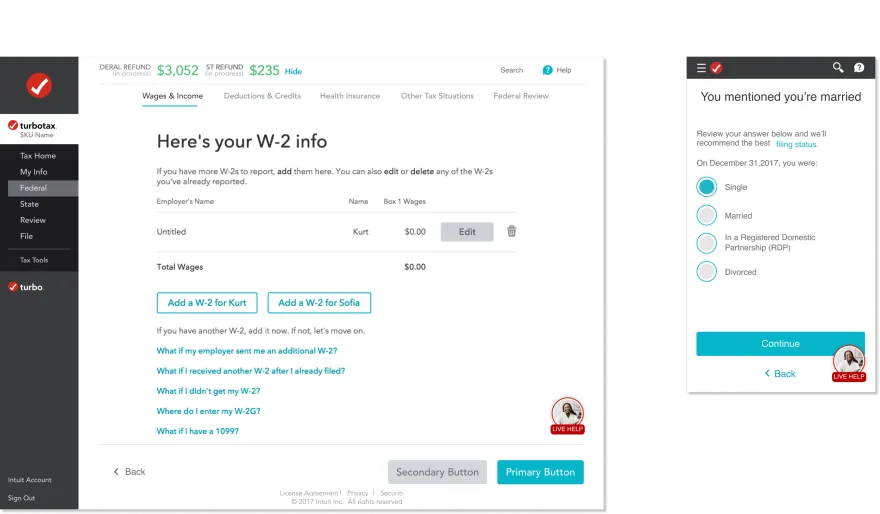
One help button for DIY and expert-assisted filers, built within the Intuit Design System.
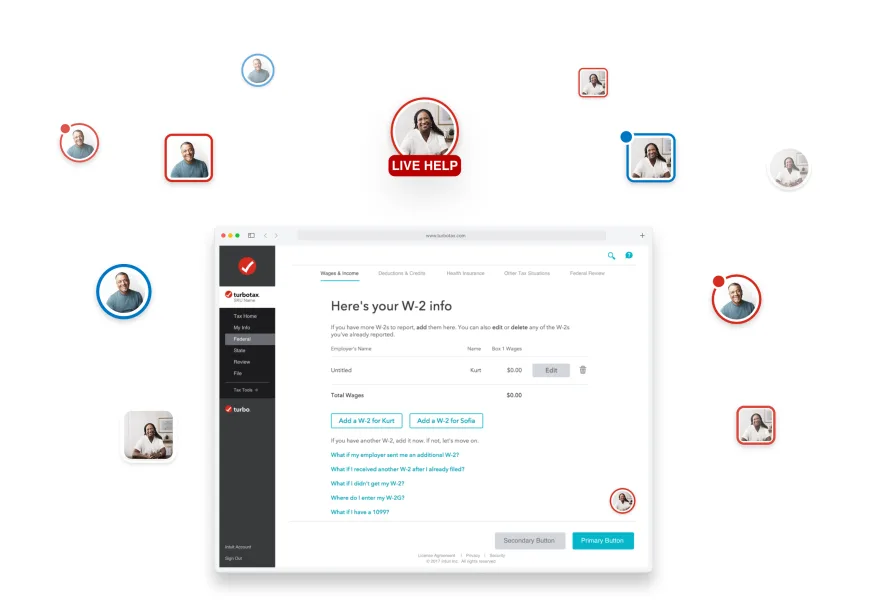
- 1
- help pattern for every filer
- 2
- products: TurboTax and TurboTax Live
- IDS
- built from Intuit Design System parts
The problem
In tax season, a confusing moment is costly.
Help had to be easy to reach on any device, for both DIY filers and TurboTax Live customers working with experts.
Exploration
Explore widely, then build within the system.
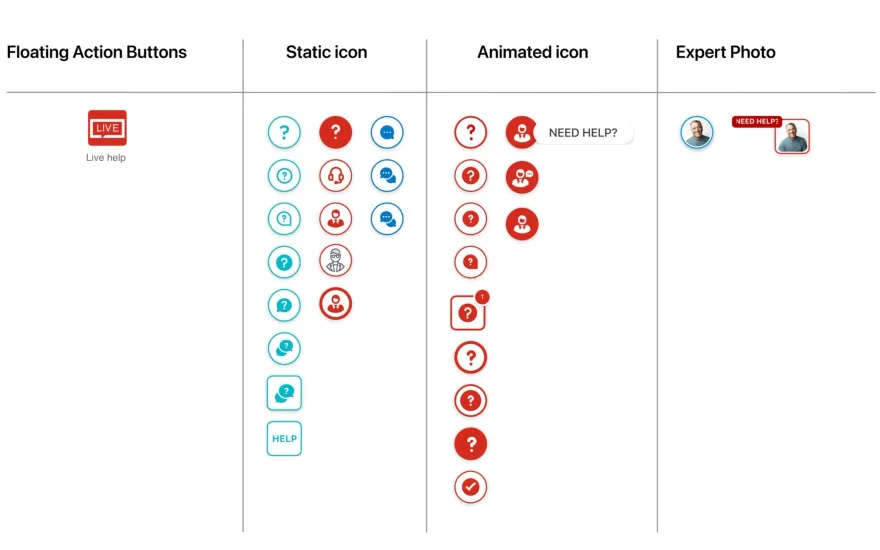
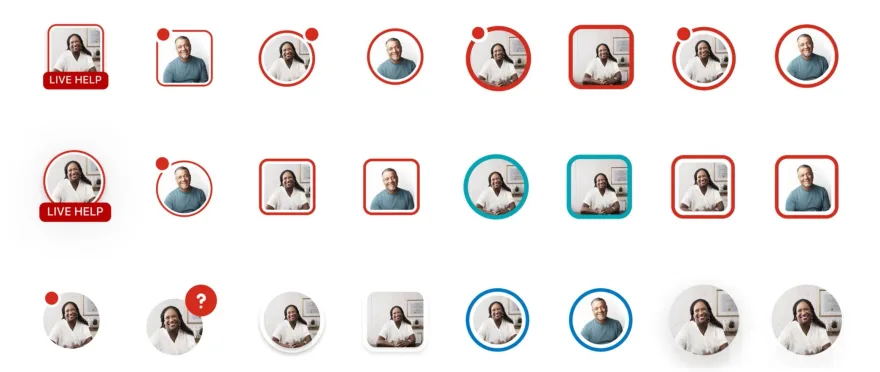
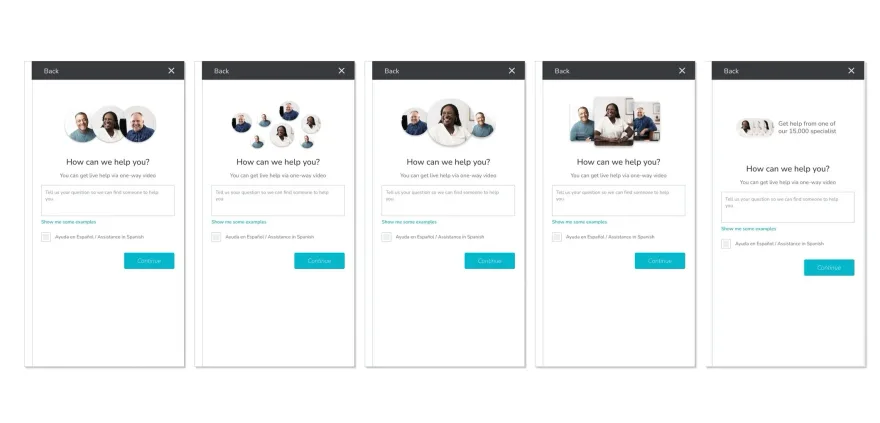
I explored floating buttons, static and animated icons, and expert photos, then refined them with writers, researchers, engineers and the design system team.
The decision
Visible enough to find. Quiet enough to ignore.
A prominent button helps first-timers and distracts everyone else.
- I chose
- A floating button anchored at the bottom
- I gave up
- A prominent banner or inline help
- Why
- Always in reach, never in the middle of the task
Reflection
Craft is a systems skill.
A help button touches every screen and service level, so it had to be designed as a system, not a one-off.